




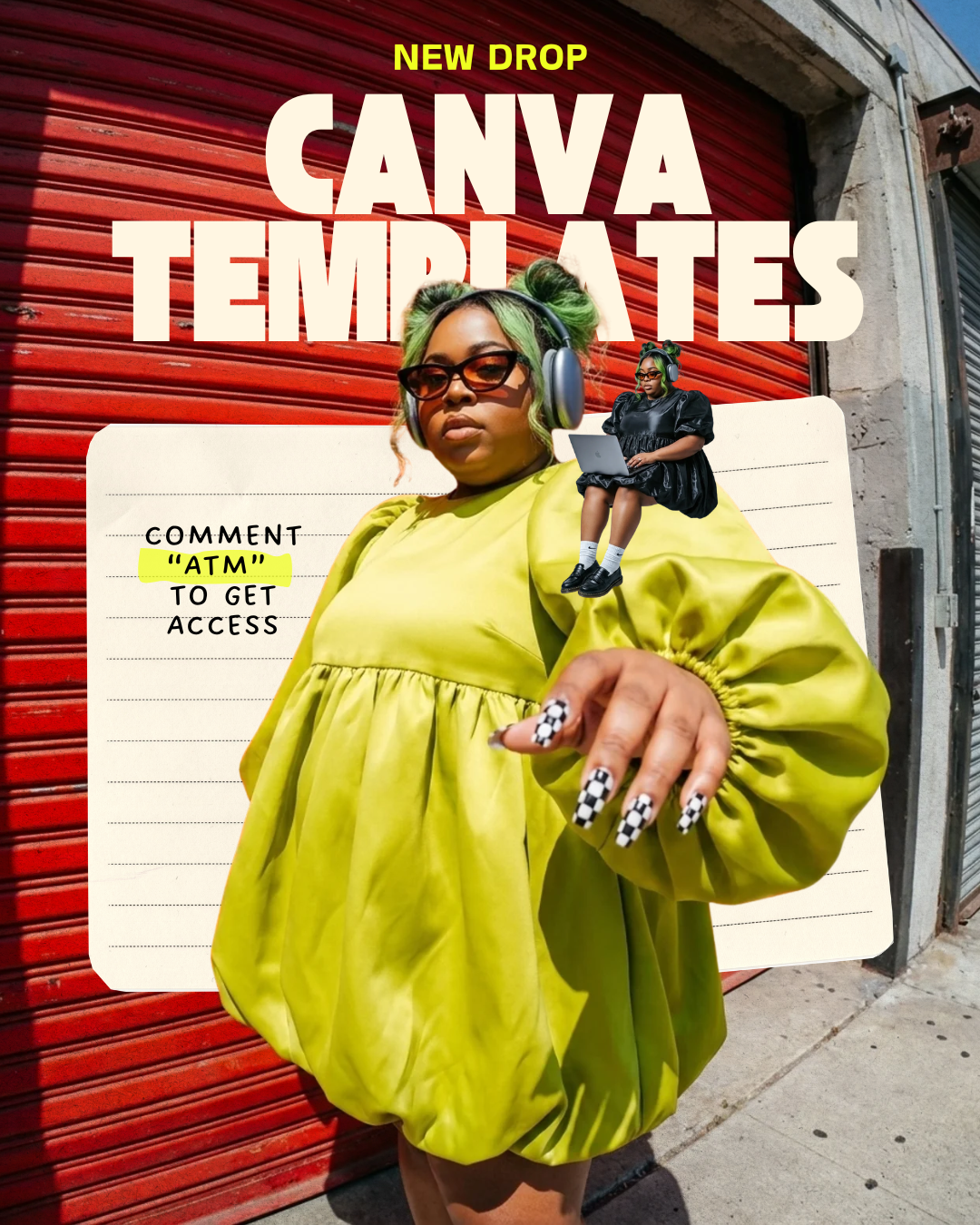
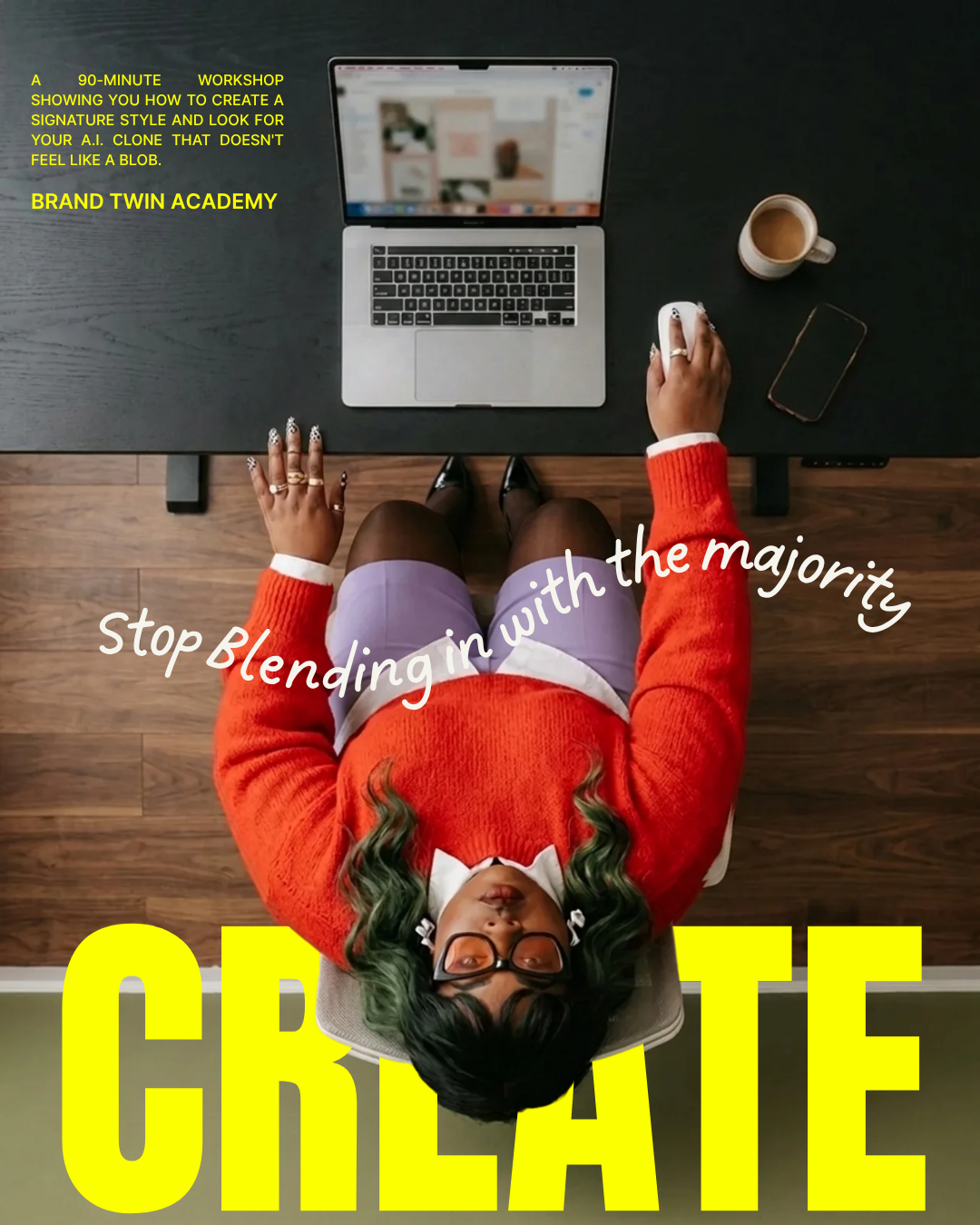
finally.... A class on design in Canva.

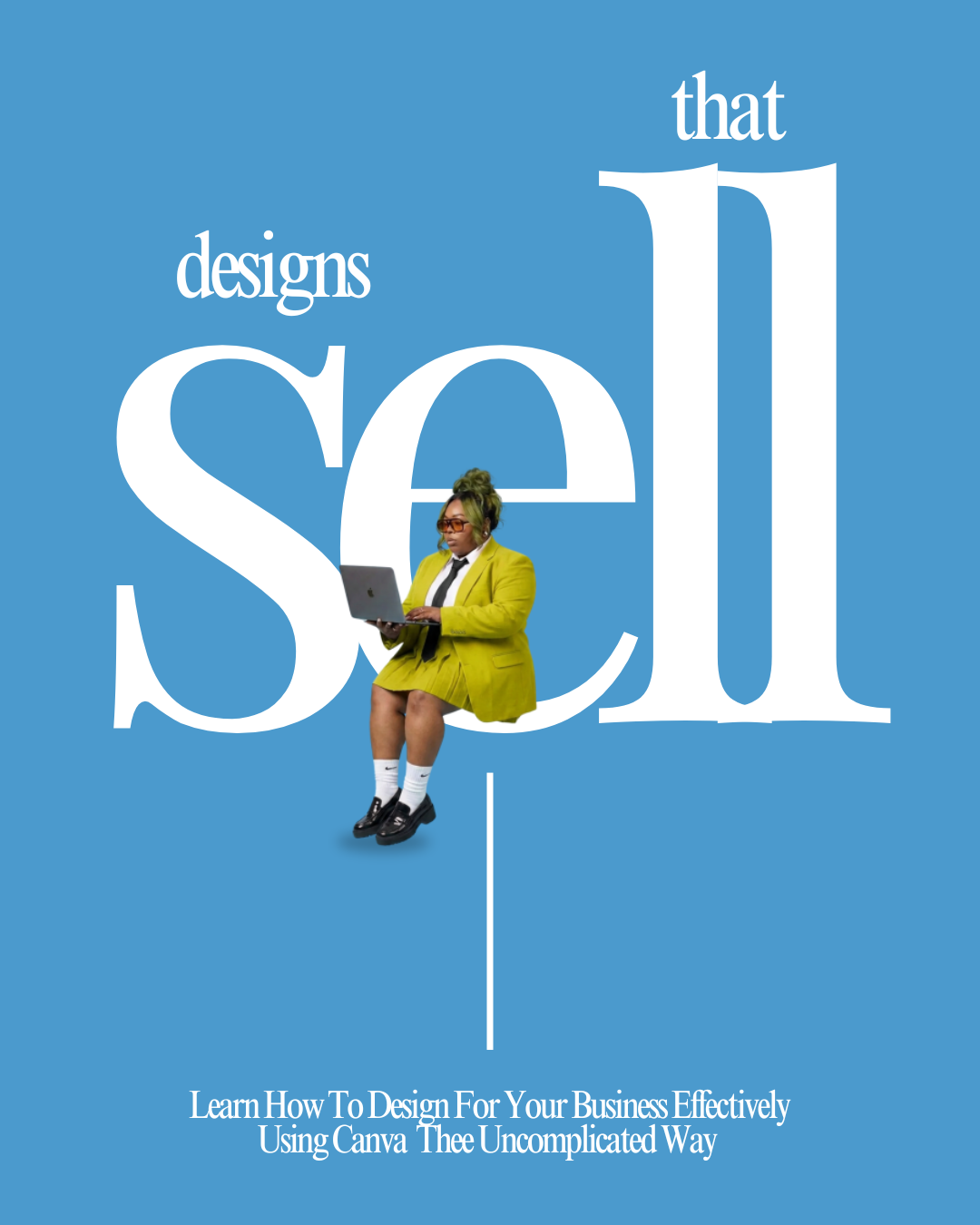
Design Principles That Sell — Simple. Clear. Effective.

Live on Zoom

August 24 · 6:00 PM CST

Can't make it live? You'll get the replay.

Class size is limited. Payment link closes once the class is full.

In her own words / student

“I stopped guessing what to post. Now my designs actually sell for me.
THE NUMBER ONE CLASS ON THE INTERNET FOR BUSINESS OWNERS THAT WANT TO LEARN marketing design.

10+ yrs

Brand and creative direction

5,000+

Entrepreneurs taught

7 figures

Built showing up online

Taught by Kendra Taul, brand strategist, creative director, speaker and AI educator. I build brands, campaigns and marketing systems for entrepreneurs, churches and organizations.

Real students. Real results.

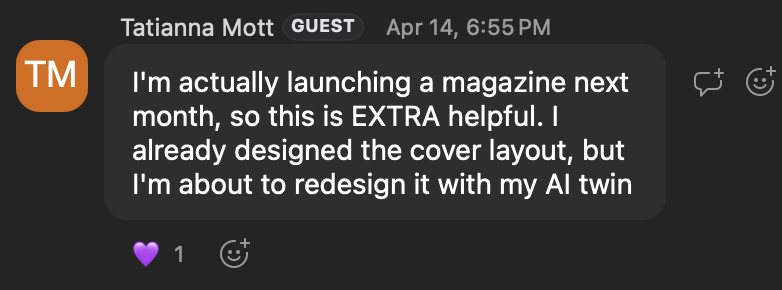
Student testimonial screenshot

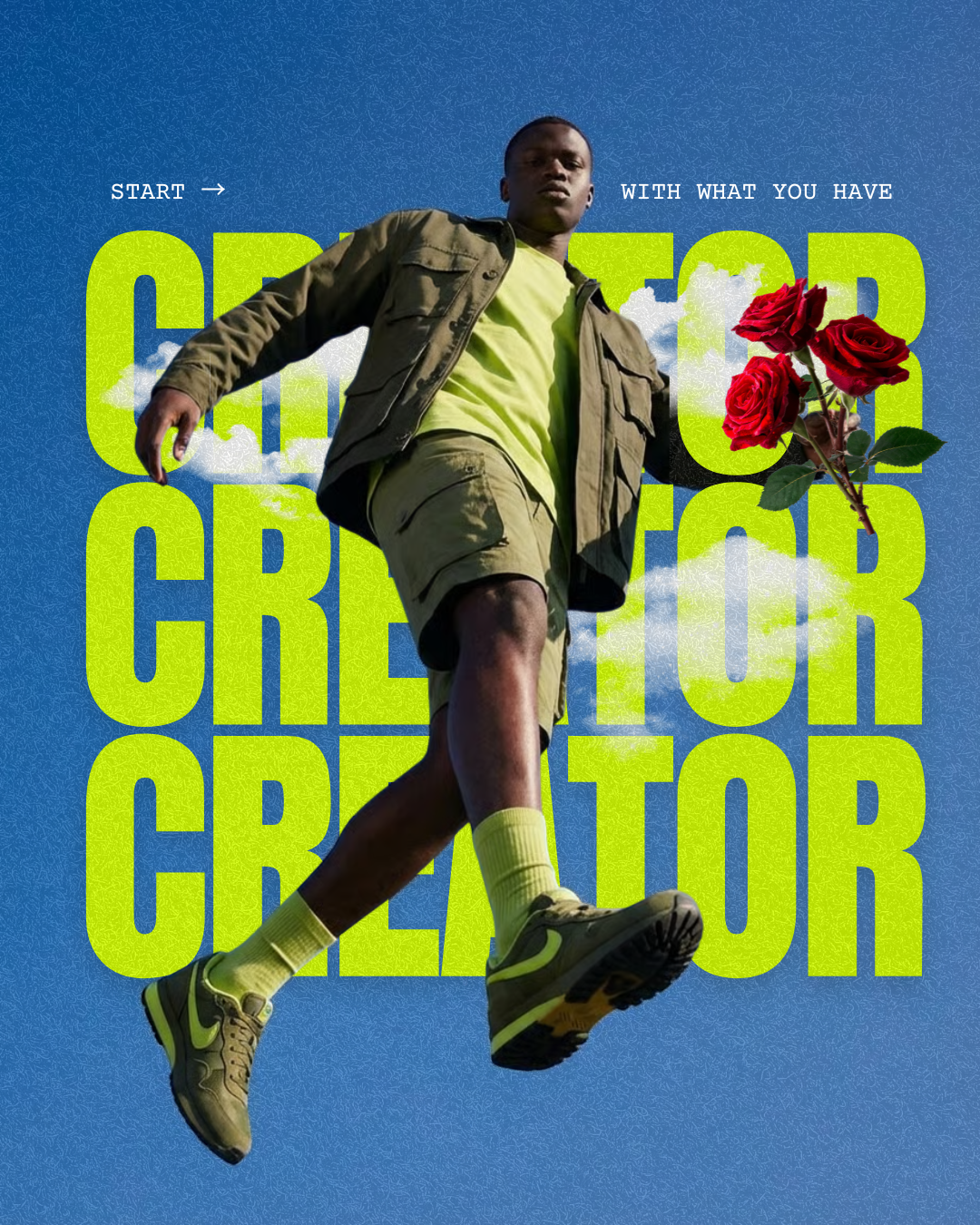
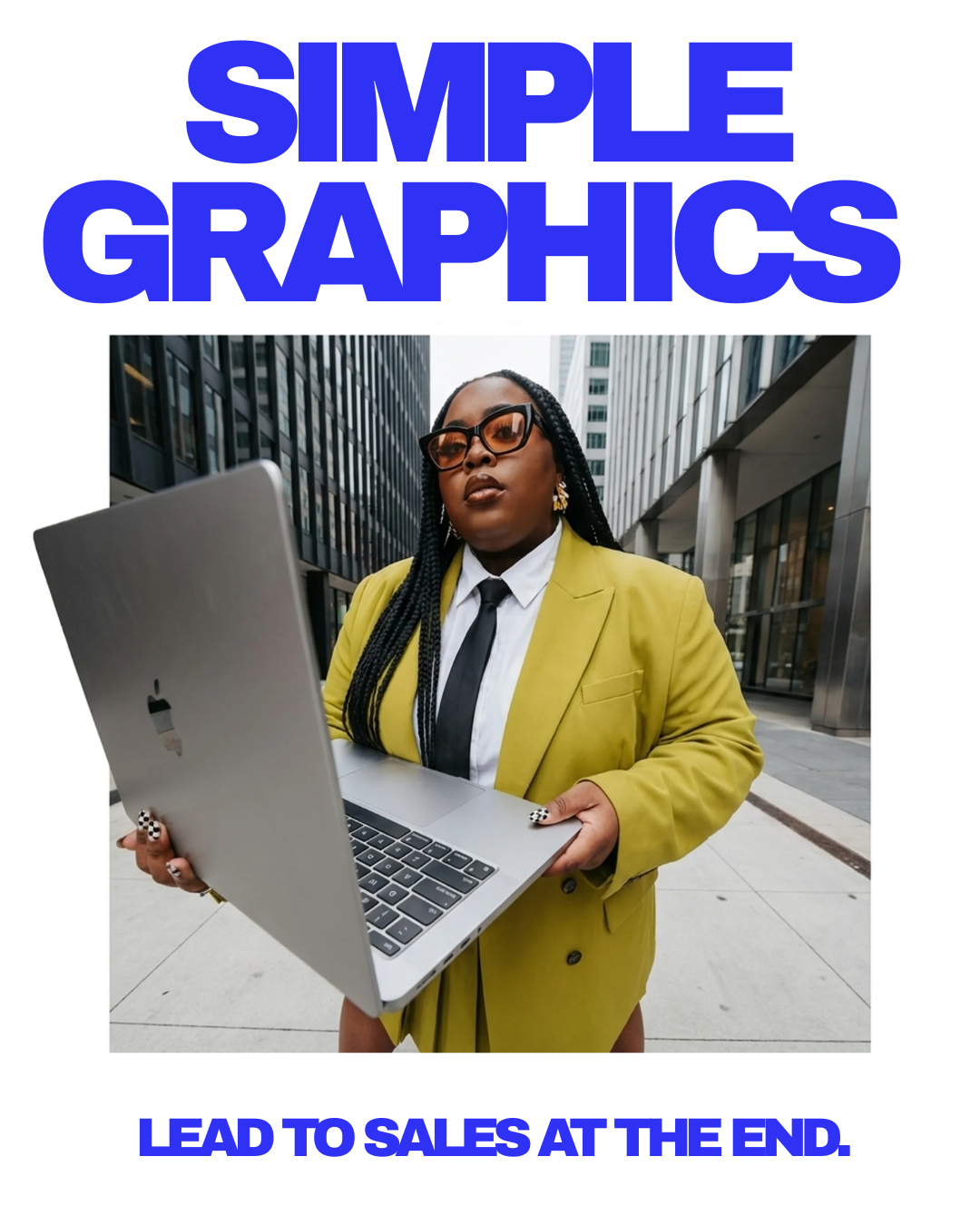
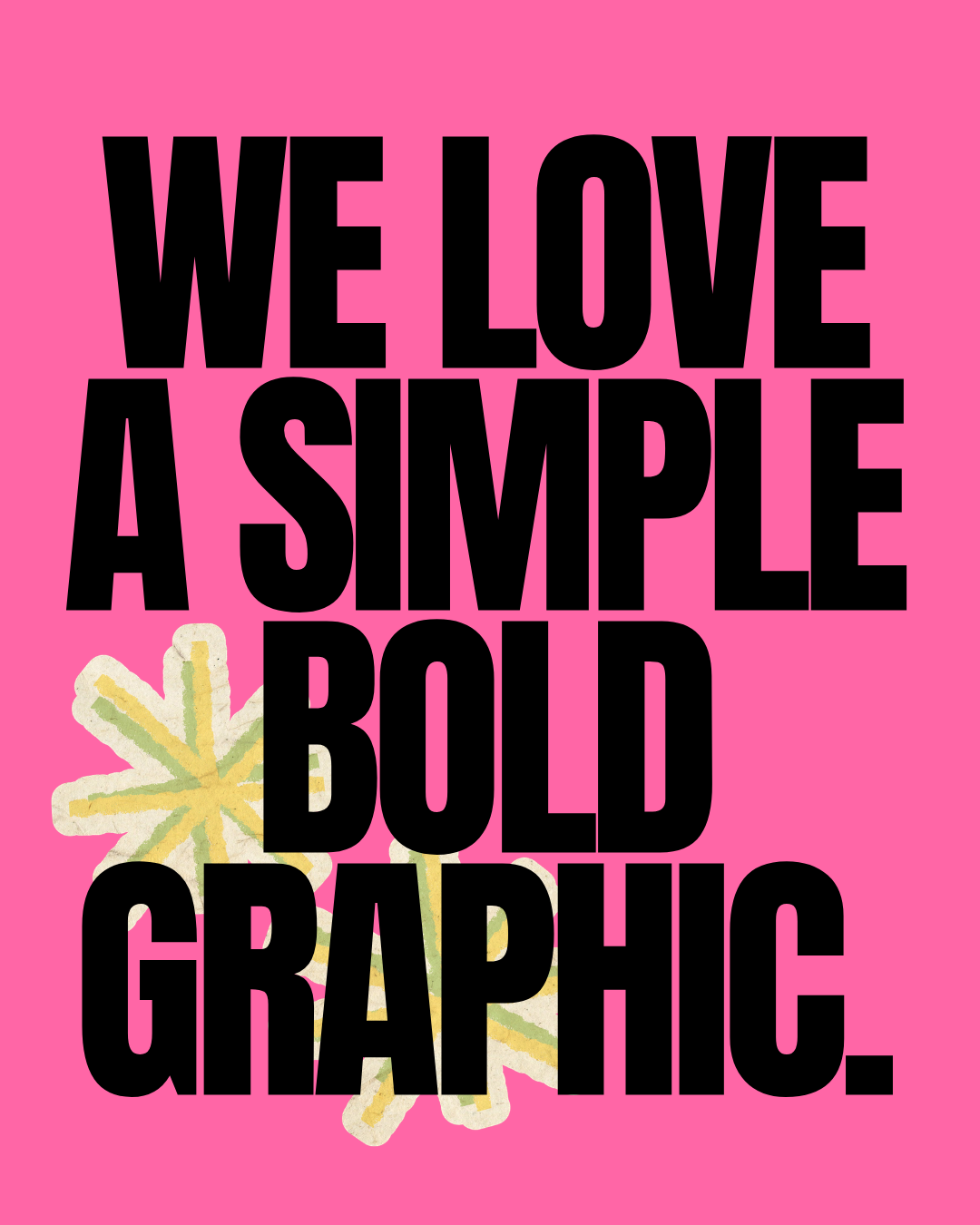
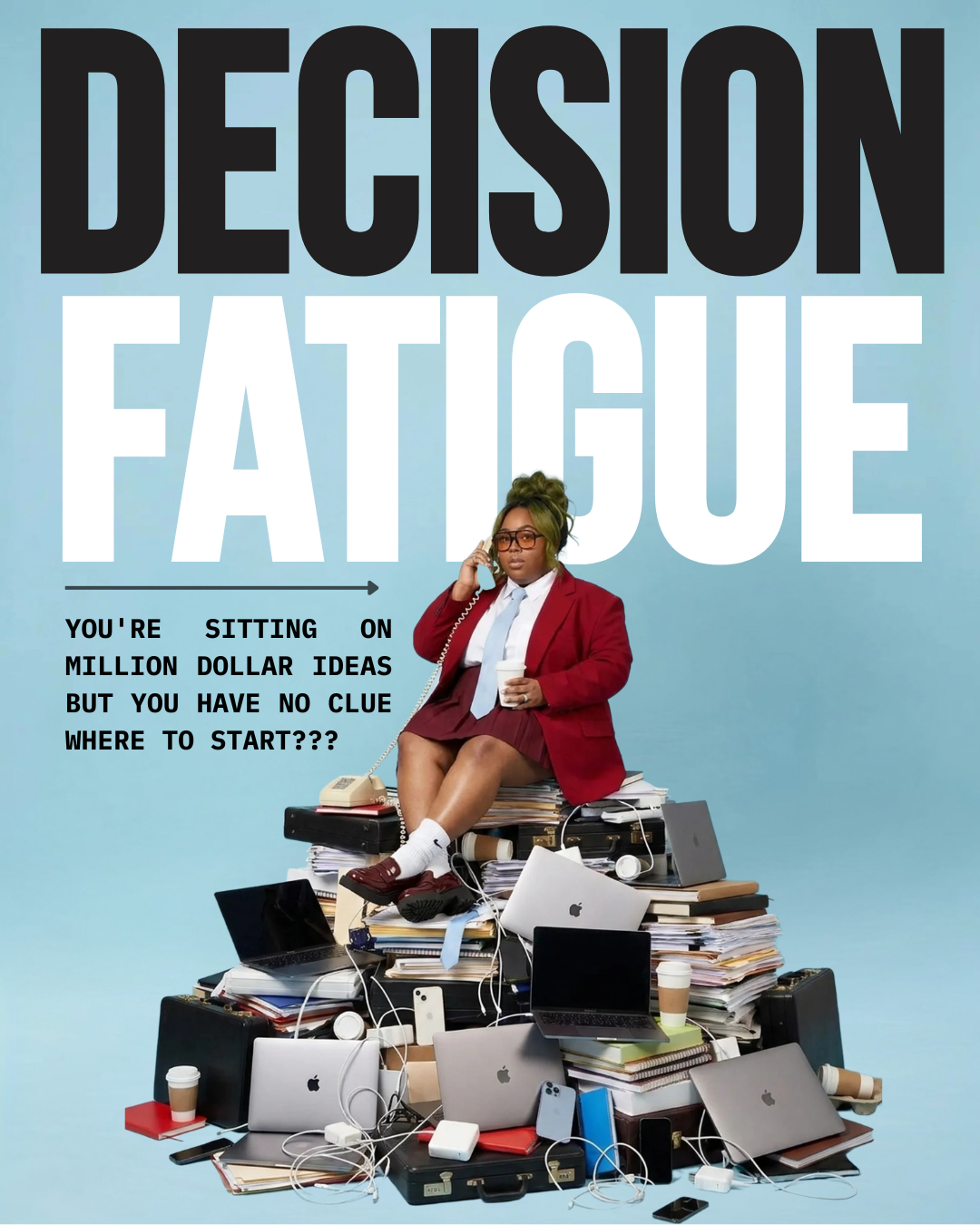
This is what I mean by designs that sell

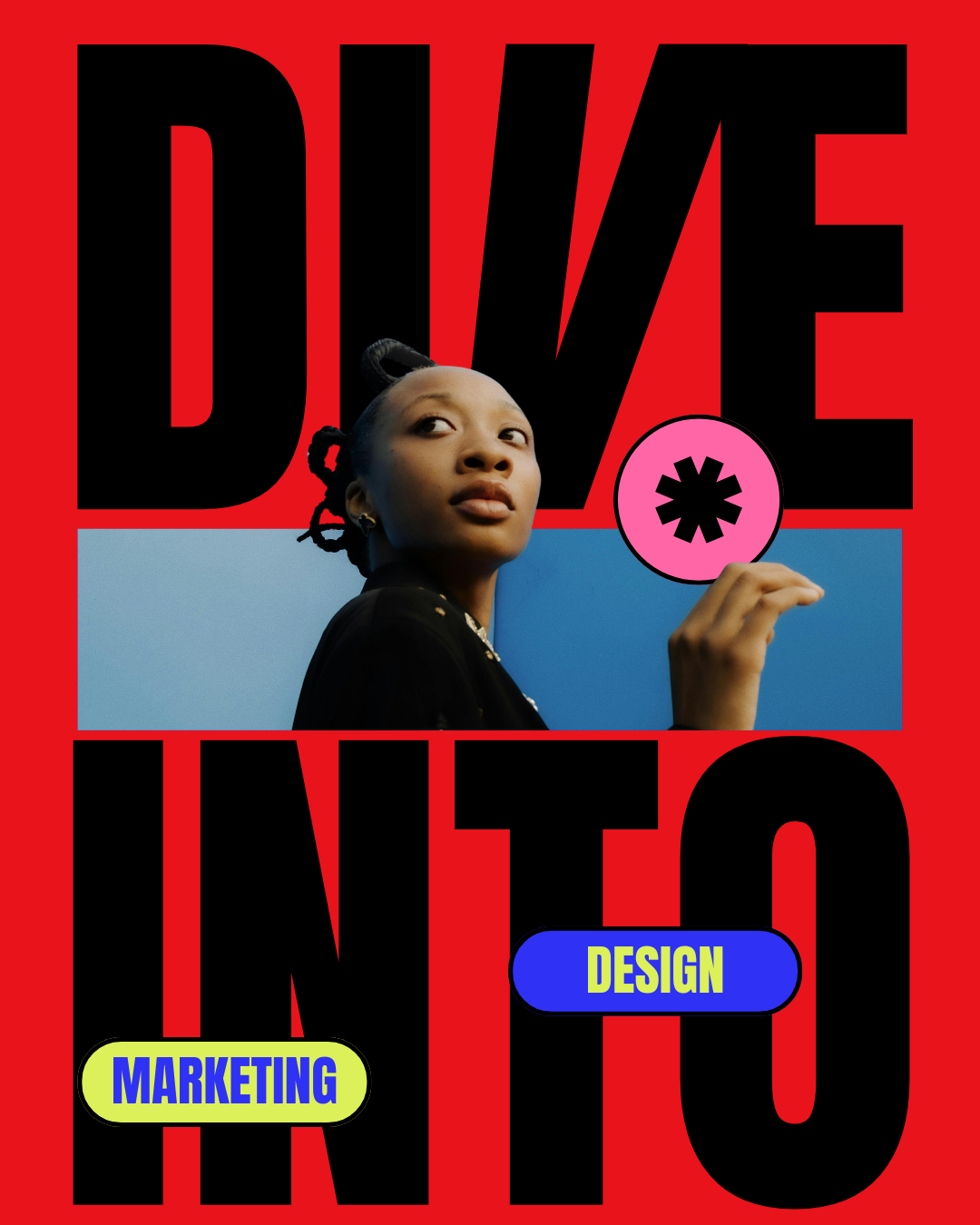
Big type. One message. Clear hierarchy. Nothing decorative fighting for attention. These are real graphics. You'll learn the exact decisions behind them.

Example marketing graphic with bold typography and clear hierarchy

Your graphics should be doing more than looking good.

Right now, you may know what you want to say but struggle to turn it into a graphic that makes sense. You open Canva. Move some things around. Try another font. Add another element. Delete it. Start over.

We're changing that. You'll go from guessing what looks good to creating with a clear marketing goal.

From "Does this look right?"

to

"I know why this works."

Six design decisions
that change everything.

01

Visual Hierarchy

Make their eyes go where you want them to go.

If everything on your graphic is screaming for attention, nothing gets attention. Learn how to decide what should be seen first, second, and third so people can understand your graphic without working for it.

02

Simplifying Your Message

Everything about your business does not belong on the graphic.

Learn what information actually needs to be on your design and what needs to come off. You'll create graphics that communicate faster without trying to explain the entire offer in one image.

03

Layout + Spacing

Stop moving stuff around until it looks right.

Learn how to use spacing, scale, placement, and negative space intentionally so your graphics feel polished instead of crowded, awkward, or unfinished.

04

Fonts + Typography

Your fonts have a job too.

Learn how to choose, pair, size, and position type so your words aren't just readable. They help create hierarchy and communicate the personality of your brand.

05

Brand Consistency

Stop letting Canva unbrand your brand.

Templates make it easy to create something pretty. They also make it easy to create something that looks nothing like your business. Learn how to make design decisions that keep your graphics recognizable and consistent.

06

Designing to Sell

Pretty isn't the goal. Communication is.

Learn how to think about the product, message, audience, and action BEFORE you start designing so the graphic supports what you're actually trying to sell.

This is for you if

  • You create graphics for your business but never feel confident they look right.
  • You want your designs to communicate, not just decorate.
  • You're tired of relying on templates that don't feel like your brand.
  • You want a simple process you can repeat every time you design.
  • You're ready to make design decisions that help you sell.

This is not for you if

  • ×You want a magic tool that designs for you without any thinking.
  • ×You're only looking for cute graphics with no marketing goal behind them.
  • ×You aren't willing to apply what you learn to your own business.

There's an easier way to design.

You open Canva with no direction
You know the goal before you design
You add everything to the graphic
You know what actually belongs
You move things until they look right
You understand hierarchy and placement
You depend on templates
You know how to build your own layout
You design just to post
You design to sell

I don't want to just teach you Canva.

Canva is the tool. I want to teach you how to think about design. Because once you understand hierarchy, messaging, typography, layout, branding, and creative direction, you're no longer dependent on a template or someone else to make your ideas make sense visually.

That's the skill.

Create designs that actually do their job.

A practical Canva design class for business owners who want better graphics, clearer marketing, and more creative direction. One class. A skill you can keep using every time your business needs a graphic.

Live Class

August 24 · 6:00 PM CST

$297

$67

Can't make it live? The replay will be sent to you. Payment link closes once the class is full.